Computer-Aided Design (CAD)
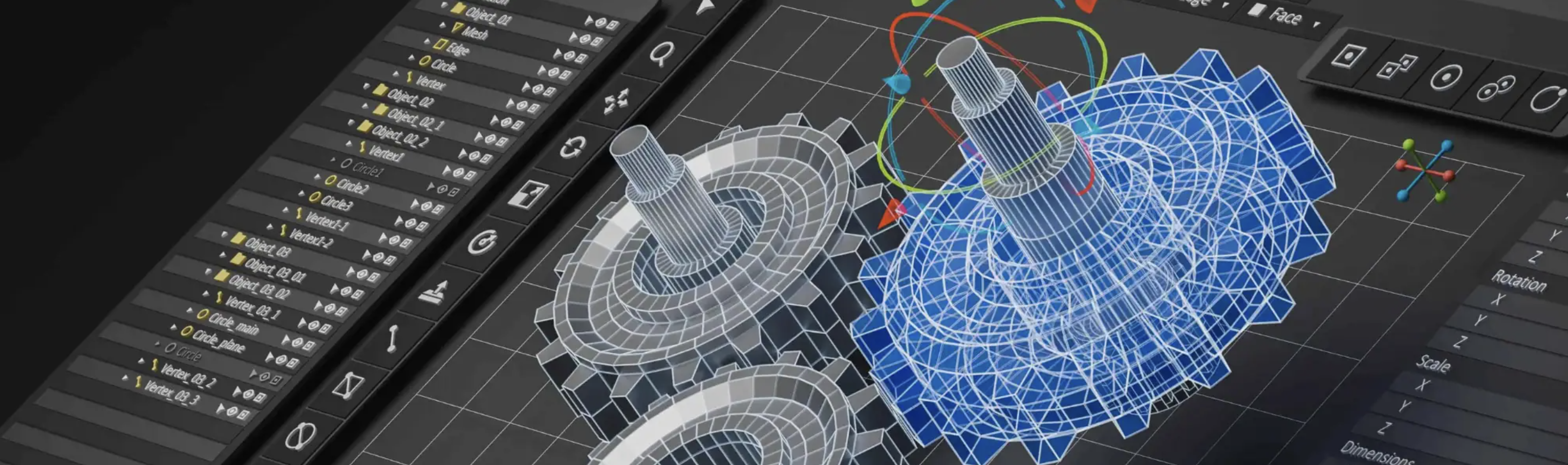
I am passionate about Computer-Aided Design and use industry-standard tools to create detailed designs, prototypes, and technical drawings. From concept to production, CAD allows me to visualize ideas in 3D and solve complex engineering challenges with precision.
About Onshape
Onshape is a cloud-based CAD software platform that provides powerful 3D design tools accessible from anywhere. As a browser-based system, it eliminates the need for expensive software licenses and local installation, making it perfect for collaborative design work. I use Onshape for parametric modeling, assembly design, and generating technical drawings. Its real-time collaboration features and version control make it an ideal platform for team projects and rapid iteration.
Key features I leverage in Onshape:
- Parametric Modeling: Design with intelligent constraints and parameters that update automatically
- Assembly Design: Create complex assemblies with multiple parts and manage relationships
- Technical Drawings: Generate professional 2D drawings with dimensions and tolerances
- Cloud Collaboration: Work seamlessly with team members in real-time
- 3D Printing Preparation: Prepare models for 3D printing with proper tolerances and orientations
Skills & Experiences
- Certified Onshape Associate
- Onshape CAD Design and Modeling
- Parametric and Feature-Based Design
- Assembly and Sub-Assembly Management
- Technical Drawing Generation (2D Drawings from 3D Models)
- Design for 3D Printing and Manufacturability
- Collaboration and Version Control in Cloud-Based CAD
- Mechanical Engineering Principles and Best Practices
CAD Portfolio Projects
Explore my CAD and design projects below:
Push Back Block
A mechanical assembly designed for robotics applications. This project demonstrates parametric design principles and precision mechanical engineering.
Mathematically Modeling a Phone Stand
Using mathematical modeling and physics to design a functional phone stand.
More Projects Coming Soon
Additional CAD projects and designs will be showcased here. Check back soon for more mechanical engineering work and 3D models.
Onshape CAD Tutorial Series
In this video series, I will teach you fundamental concepts on how to CAD on Onshape for VEX robotics in under 2 hours.
- Part 1 - Intro to CAD and Onshape
- Part 2 - Interacting with the Onshape I
- Part 3 - Interacting with the VEX Parts
- Part 4 - Using Mates in Onshape
- Part 5 - Advanced Assembly Concepts
- Part 6 - Additional Assembly Concepts
- Part 7 - Intro to Part Studios
- Part 8 - Utilizing CAD for Robotics